Apples to Applin: Dates, Syrupy Apples & Event Walkthrough
Prepare for the November 16–December 1 Applin event: Pokémon Center requirements, Dream Island apple gathering, furniture exchange, multiplayer and missing-event fixes.
Event Period: 2026-11-16 ~ 2026-12-01
Author: Pokopia Guide Team
Labels use your device clock. For local-time events, match your Switch 2 clock; see each guide for exact times. This schedule only covers events listed here.
Get event reminders on Discord
Follow start dates, reruns, and community discussion for limited-time events.
Apples to Applin: Dates, Syrupy Apples & Event Walkthrough
Apples to Applin runs from November 16, 2026 at 05:00 until December 1 at 04:59, according to your Switch 2 system clock. The Expansion Pass is not required. Befriend Applin, gather Syrupy Apples and exchange them for furniture used to welcome four more Pokémon.
Before the event starts
- Install Ver. 2.0.1 or later and check the version on the title screen.
- Complete the important requests needed to rebuild a Pokémon Center in a participating town.
- Set your Switch 2 clock to the real date and time. Connect to the internet when starting the event for the first time.
- Prepare access to Dream Islands: show a doll to Drifloon.
The route from Applin to new habitats
1. Meet Applin outside the Pokémon Center
Visit the Pokémon Center in a town where it has been rebuilt, speak to Applin nearby and fulfil its request. Cloud Islands and Bubbly Basin do not host this event.
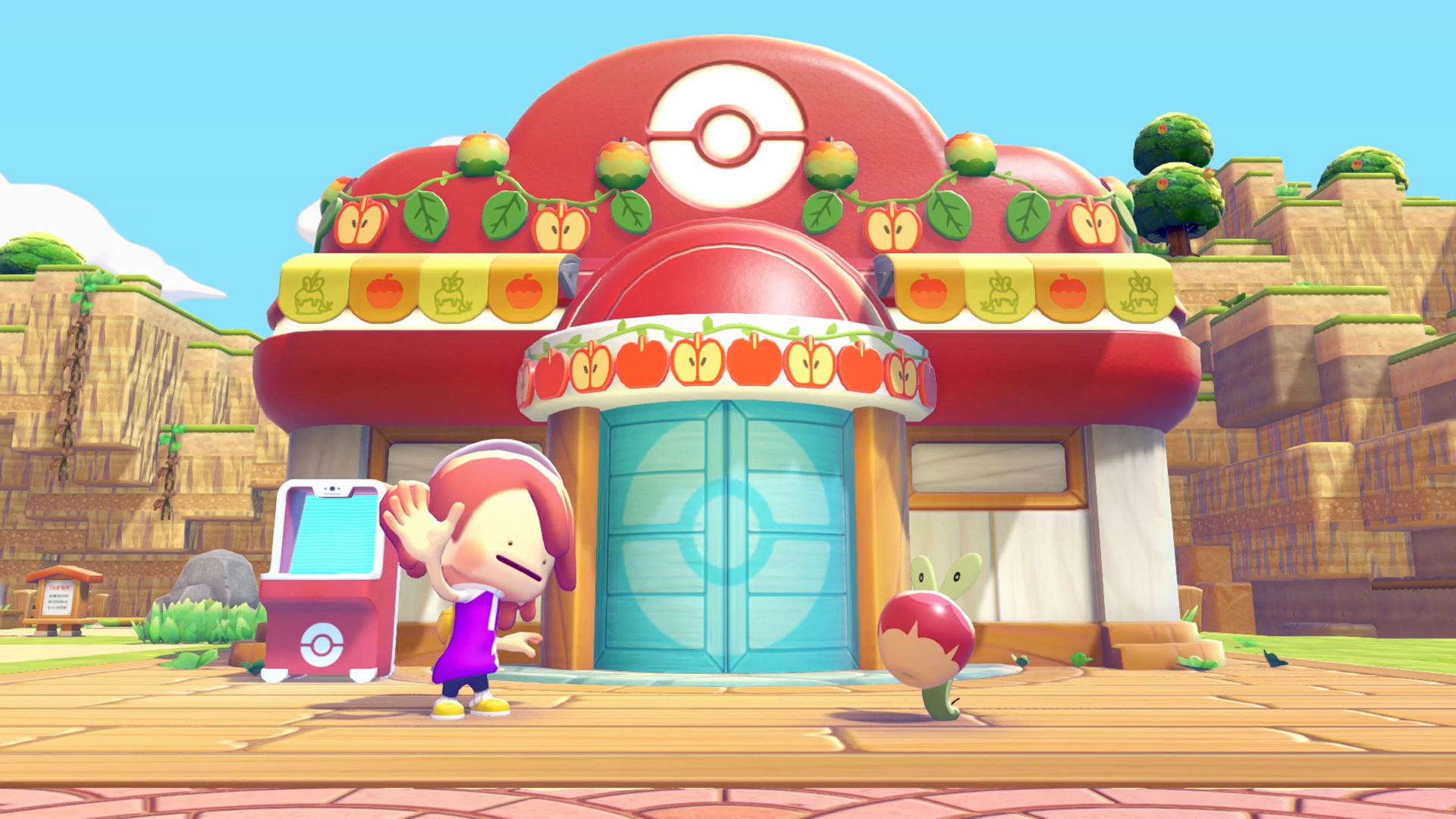
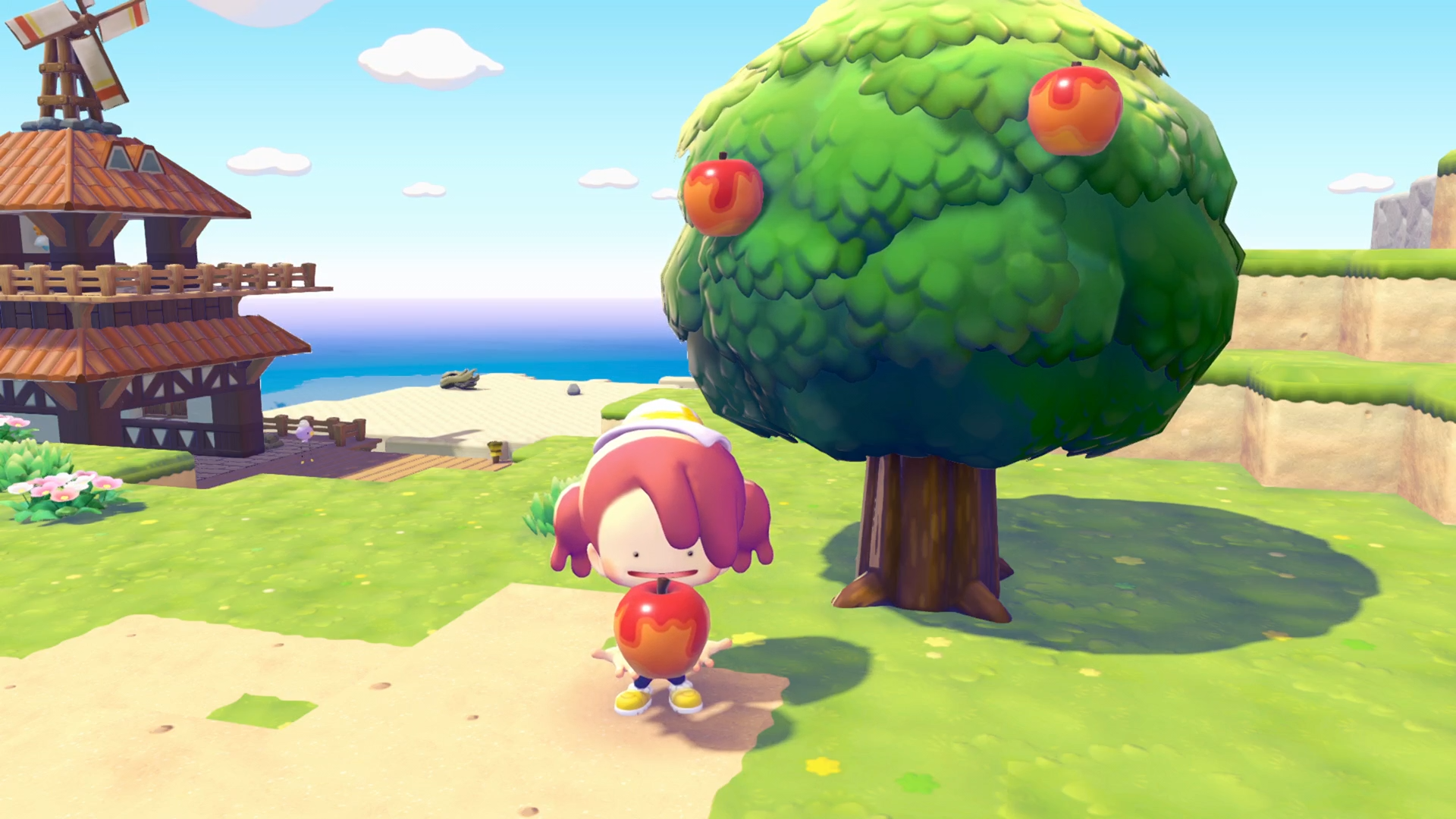
2. Gather Syrupy Apples on Dream Islands
Show Drifloon a doll to travel to a Dream Island. Look for the special trees bearing Syrupy Apples and collect the fruit there. The apples are the event exchange item; the announcement does not specify a guaranteed yield or daily respawn amount.
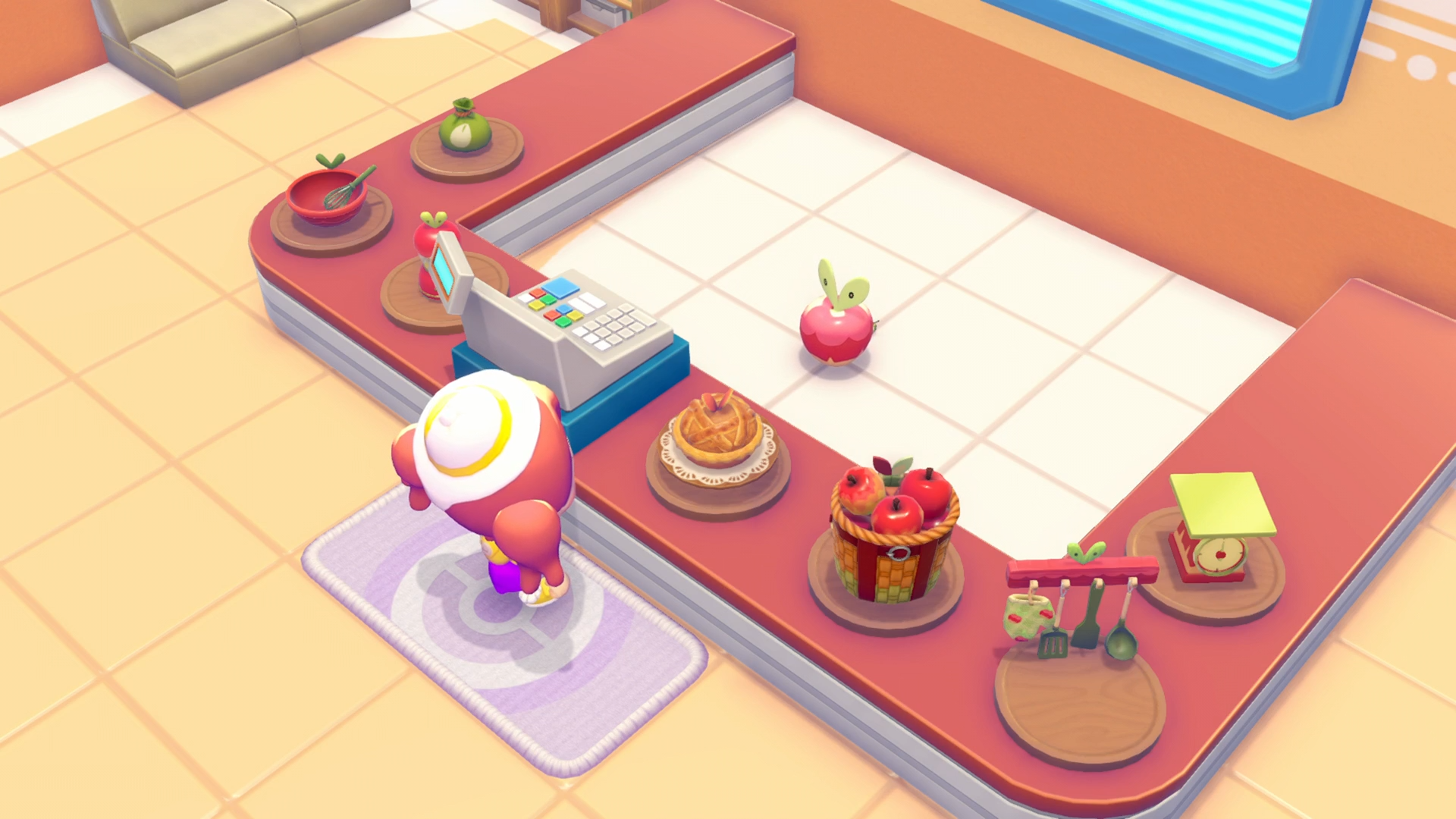
3. Exchange apples inside the Pokémon Center
Return to the Pokémon Center and use the event counter to exchange your apples. Check the available furniture and its cost before spending. The screenshot shows apple-themed kitchen decorations, a basket, scales and other furnishings; these visual descriptions are not a complete item-name or price list.
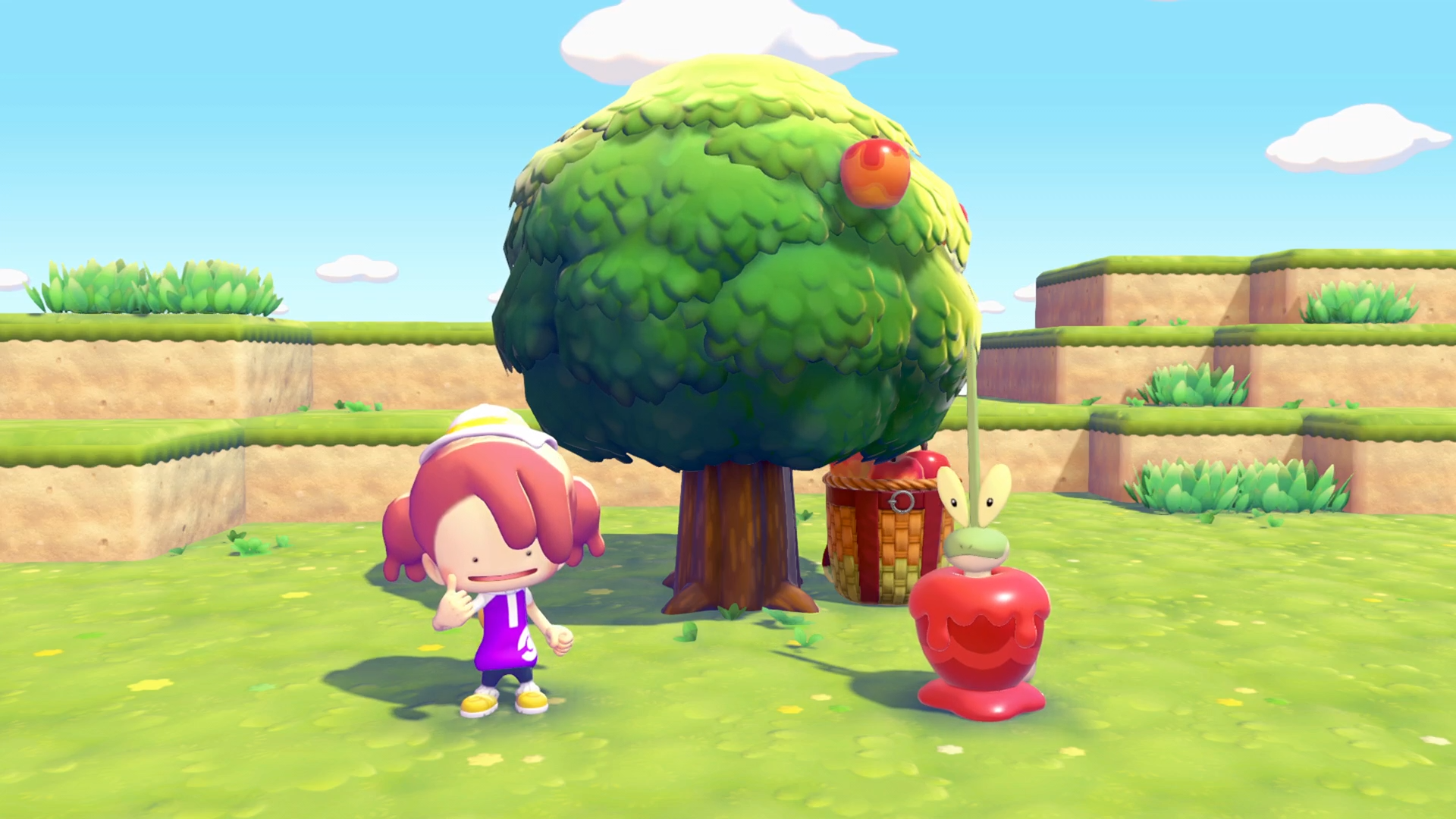
4. Build habitats with the event furniture
Use the exchanged items to create habitats for the Pokémon listed below. Keep space near your town for new builds. A promotional scene shows a possible arrangement, but does not establish every required object, quantity or habitat boundary.
The five event Pokémon
| Pokémon | How to befriend it |
|---|---|
| Applin | Talk to it near a rebuilt Pokémon Center and fulfil its request. |
| Flapple | Build a habitat using furniture exchanged during the event. |
| Appletun | Build a habitat using furniture exchanged during the event. |
| Dipplin | Build a habitat using furniture exchanged during the event. |
| Hydrapple | Build a habitat using furniture exchanged during the event. |
Exchange costs and habitat recipes
Exact prices, furniture quantities and complete habitat recipes are not yet confirmed here. Use the event counter and Habitat Dex when the event opens. Do not use evolution items or level-up rules from the main-series games as Pokopia habitat instructions. Pokémon befriended during the event remain in town after it ends.
If Applin or the event is missing
- Outside the event window: check the date and the 05:00 start / 04:59 final minute.
- Wrong location: leave Cloud Island or Bubbly Basin and check a participating town with a rebuilt Pokémon Center.
- First visit: connect your console to the internet and start the game with Ver. 2.0.1 or later.
- Center rebuilt during the event: move to another town once, or choose Quit Game from the main menu, then return.
Playing the event with friends
Use Palette Town for multiplayer participation. Speak to Applin and hear the event explanation before starting multiplayer. The event cannot be played in spectator mode. A Cloud Island visit and a Palette Town multiplayer session are different modes; see the multiplayer guide.